Rho Invoicing: Payment Portal + Recurring Invoices
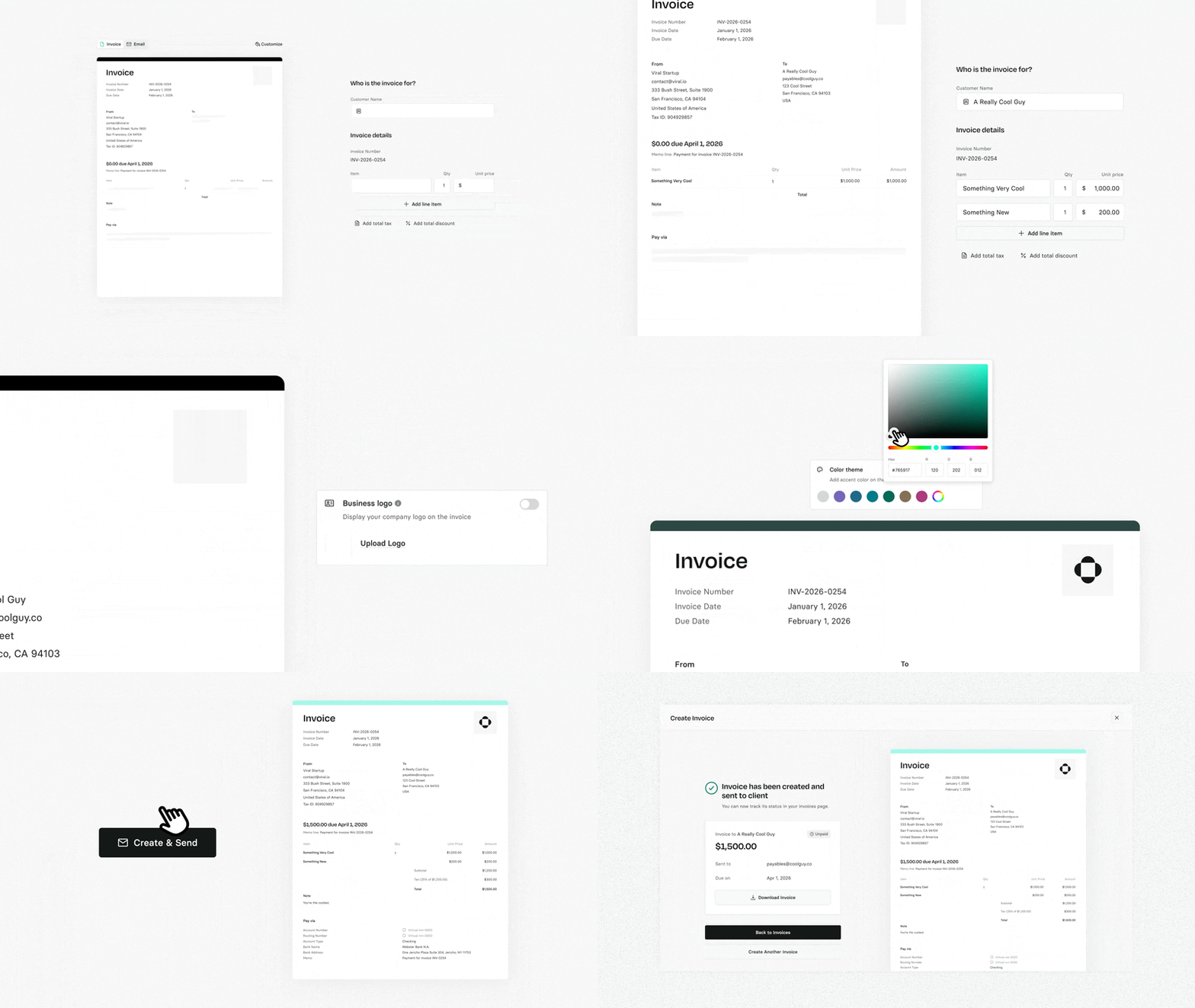
Every invoice now comes with its own branded payment portal with your logo, your colors, clear instructions to pay. Your customer opens a link, sees exactly what they owe, and pays. When the money lands, it matches automatically.
For customers you bill regularly, set up recurring invoices once — weekly, monthly, quarterly, or annual. Invoices send on their own.
Free for all Rho customers.
Rho Mobile: Card Management, Reimagined
Mobile now supports the full range of card limit types — daily, weekly, monthly, quarterly, and annual — in both card creation and card settings.
Plus: physical card shipping status is now visible on the pending card screen, with FedEx tracking links and delivery state labels.
Also shipping this month:
Text Rho for support. Rho Client Services now supports iMessage and WhatsApp. Message us directly from your phone, no laptop or login required.
Warning for incomplete expenses. Admins now see a warning when attempting to approve expenses with required fields missing.
Scheduled payment dates on Approvals screen. See what's going out and when, all in one view. No clicking into individual transactions to check timing.
"Needs My Approval" tile. Approvers now see a dedicated tile on the Company Expenses page if they have expenses pending review.
Cancel your own scheduled payments. Users can now reject their own scheduled transactions directly from the Approvals screen.